


Training
CréaÉcole
Management software for schools, training centres and educational institutions.
Presentation
CréaÉcole is management software developed by Create DZ, designed specifically for schools, training centres and specialist educational institutions. A genuinely complete operational system, it lets you centralise, organise and automate every administrative, teaching and financial process of your establishment. Built around the realities on the ground, CréaÉcole is the ideal solution to streamline your management, improve internal communication and give your learners a better experience.
What it changes
-
A single space for administration, teaching and finance
-
Every indicator filterable by date range
-
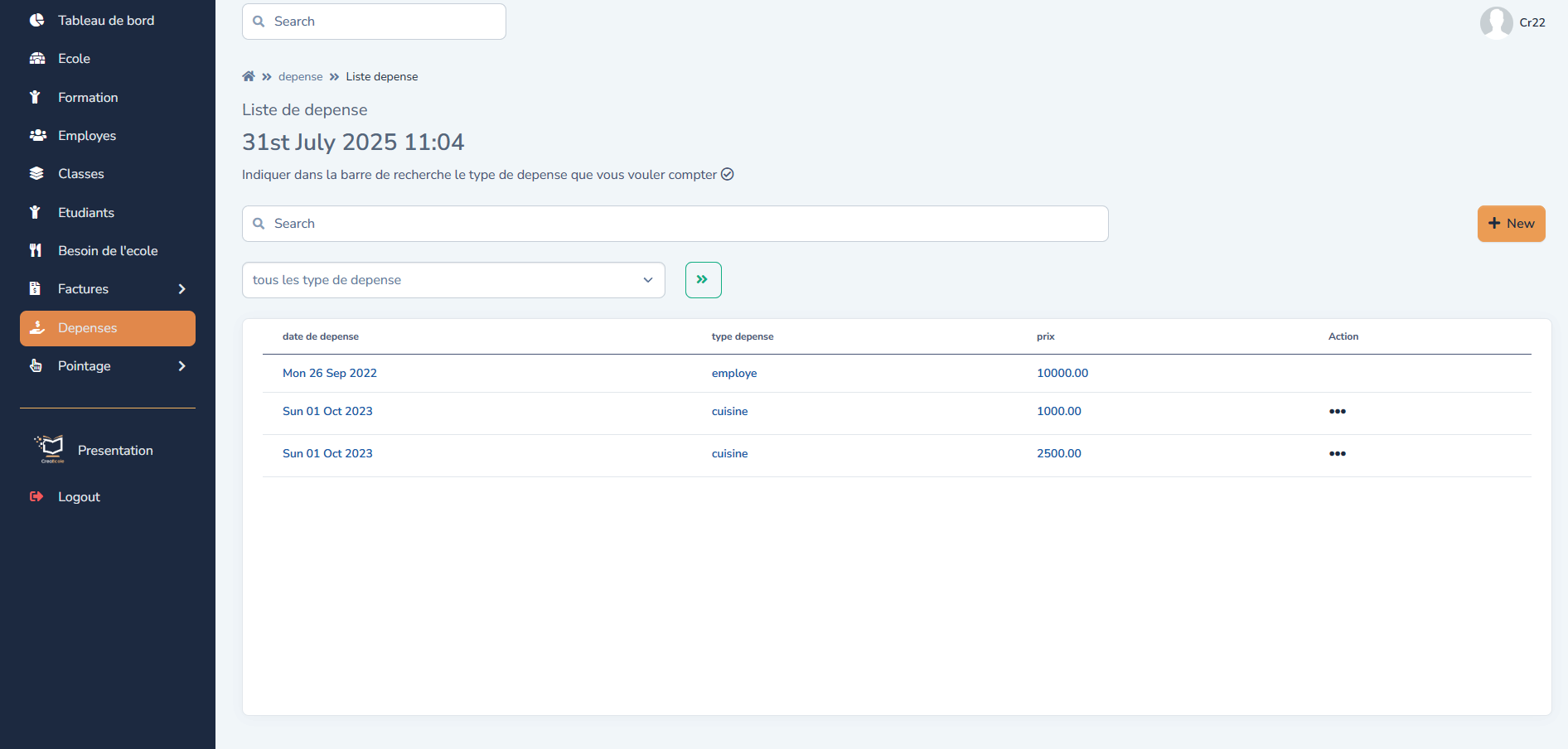
Complete traceability between requirements, purchases and finance
-
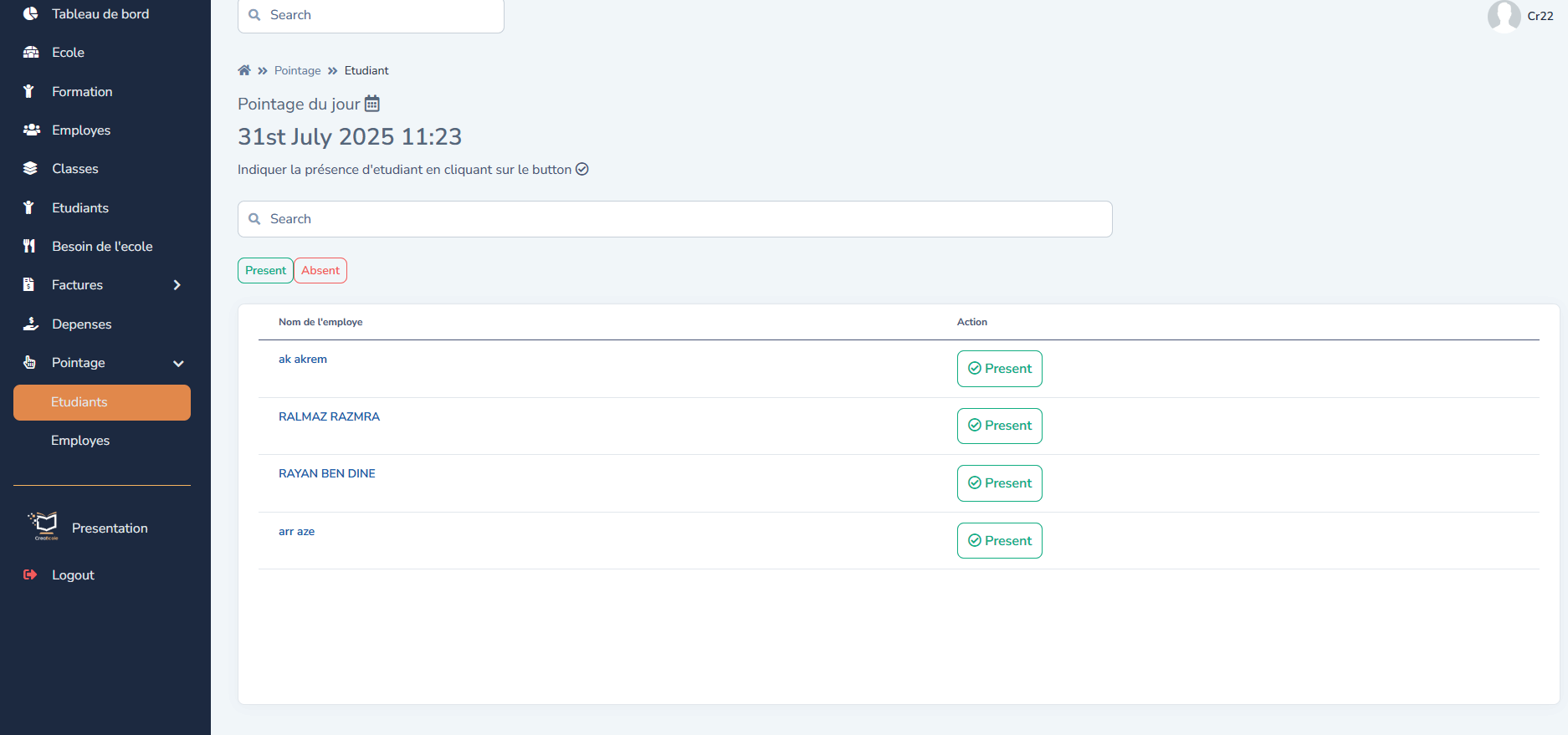
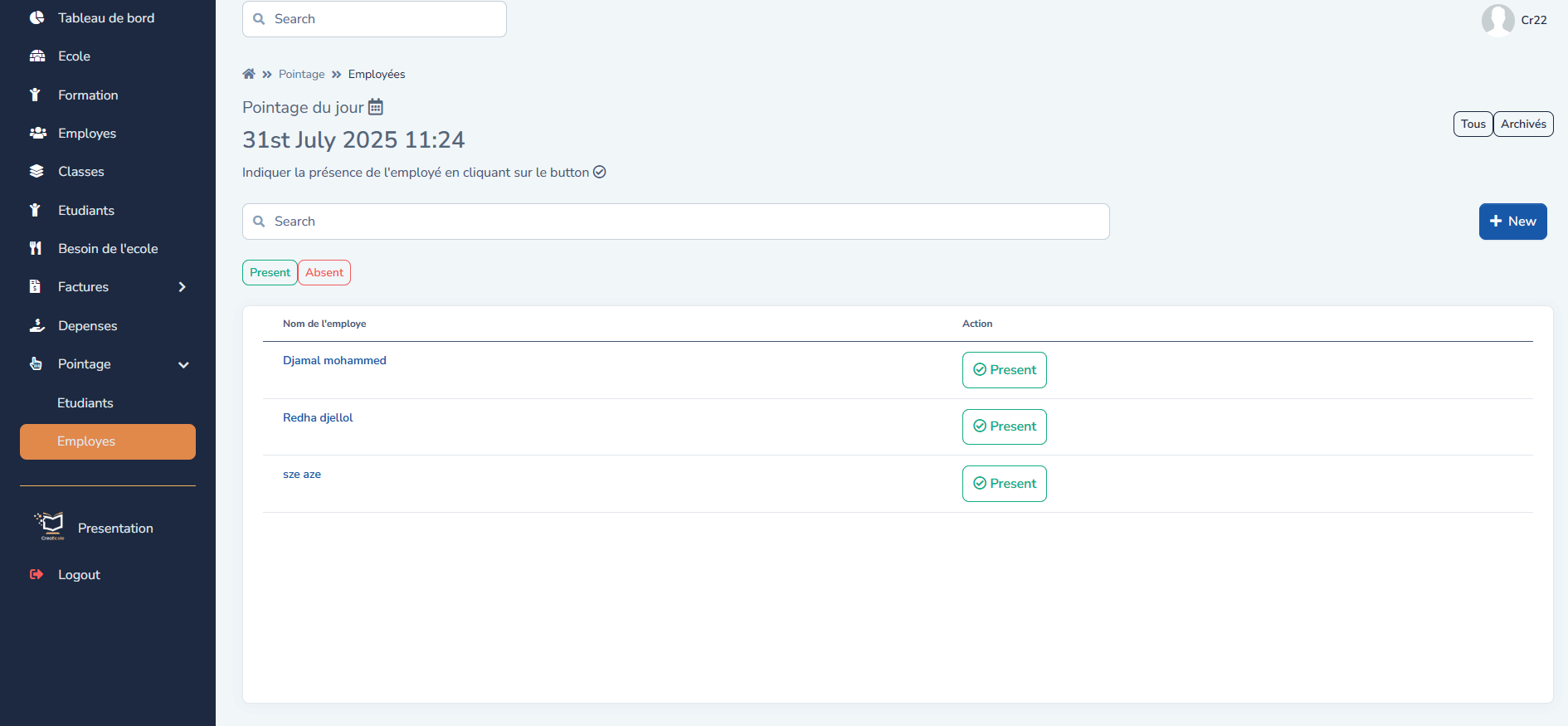
Daily attendance for students and staff in a few clicks
Features
-
Dashboard filterable by period
students, income, expenses, requirements, attendance, alerts
-
School record
NIF, RC, phone, address, email — used on official documents and invoices
-
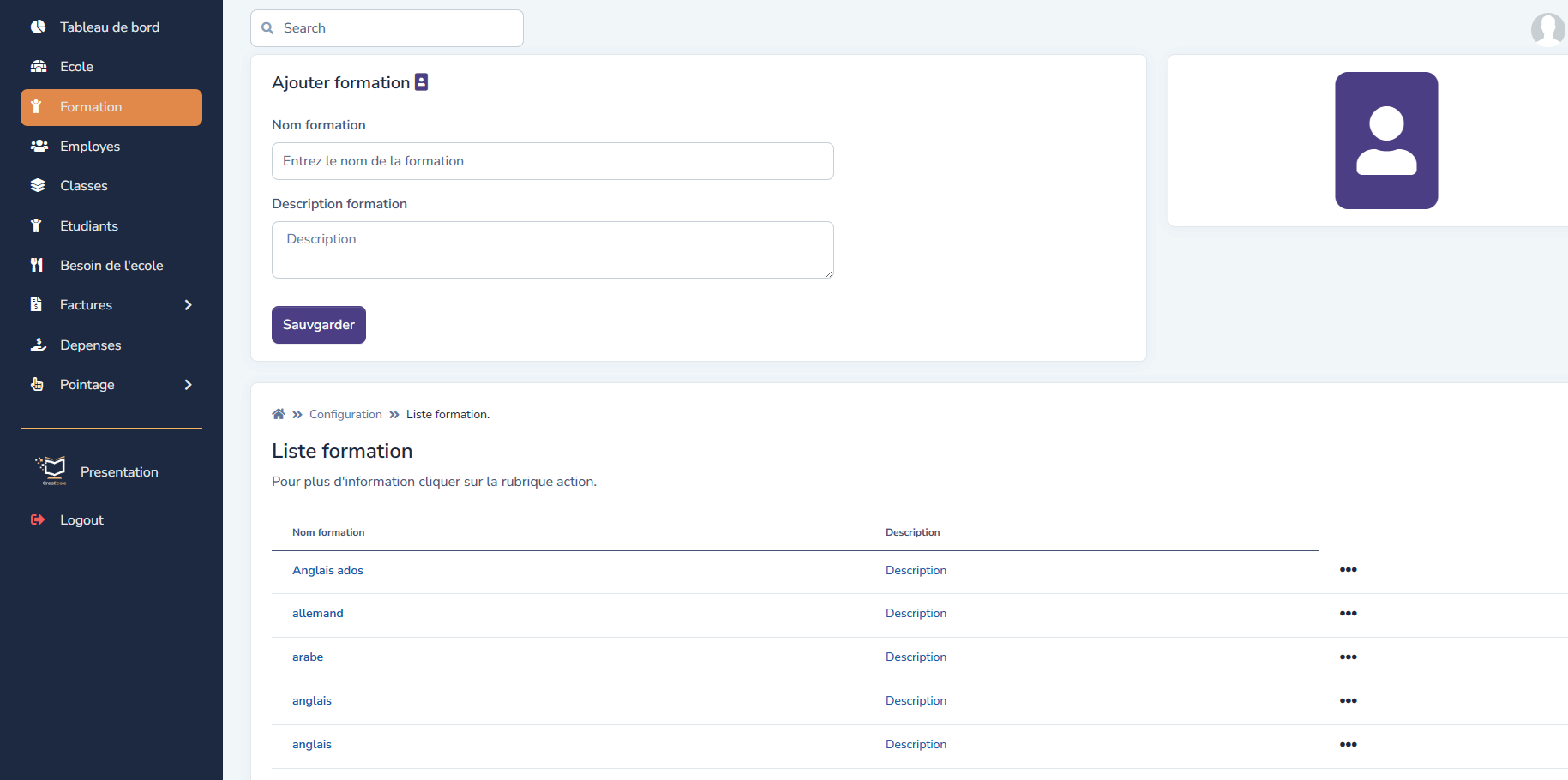
Courses
name, description, add, edit, delete
-
Staff
name, start date, salary, role, contact details
-
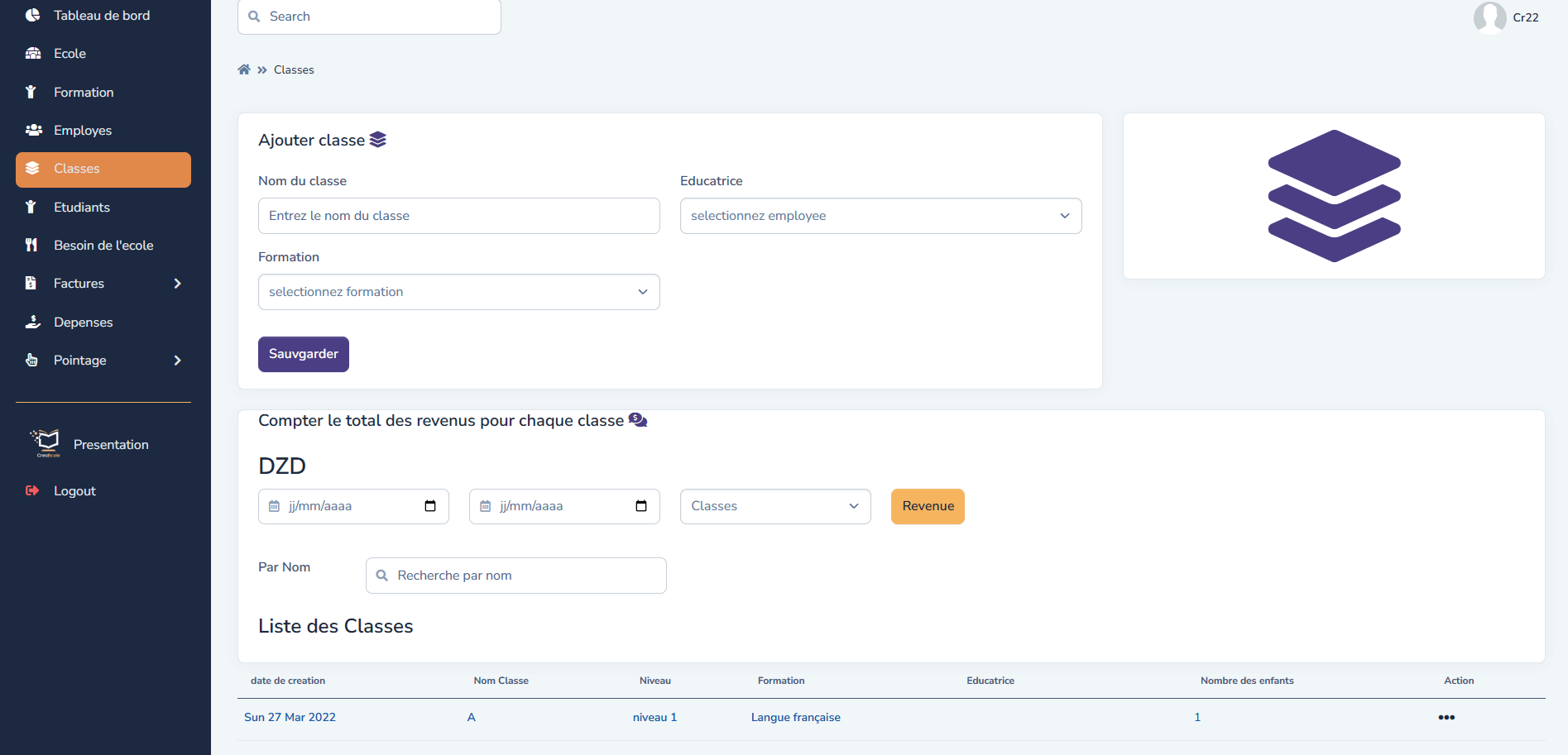
Classes attached to a course, with level, lead teacher and revenue per class
-
Students
class, enrolment fees, amounts paid, search by name or class
-
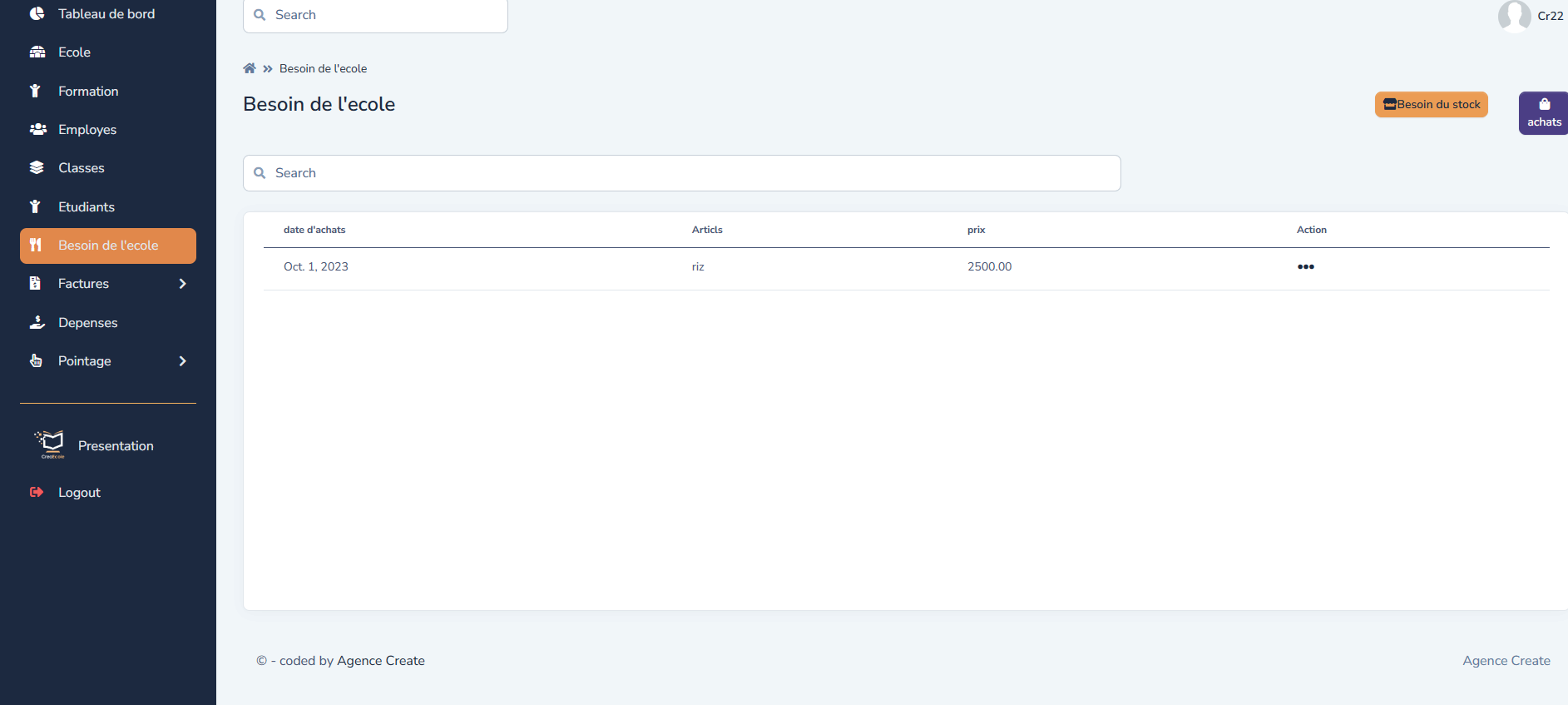
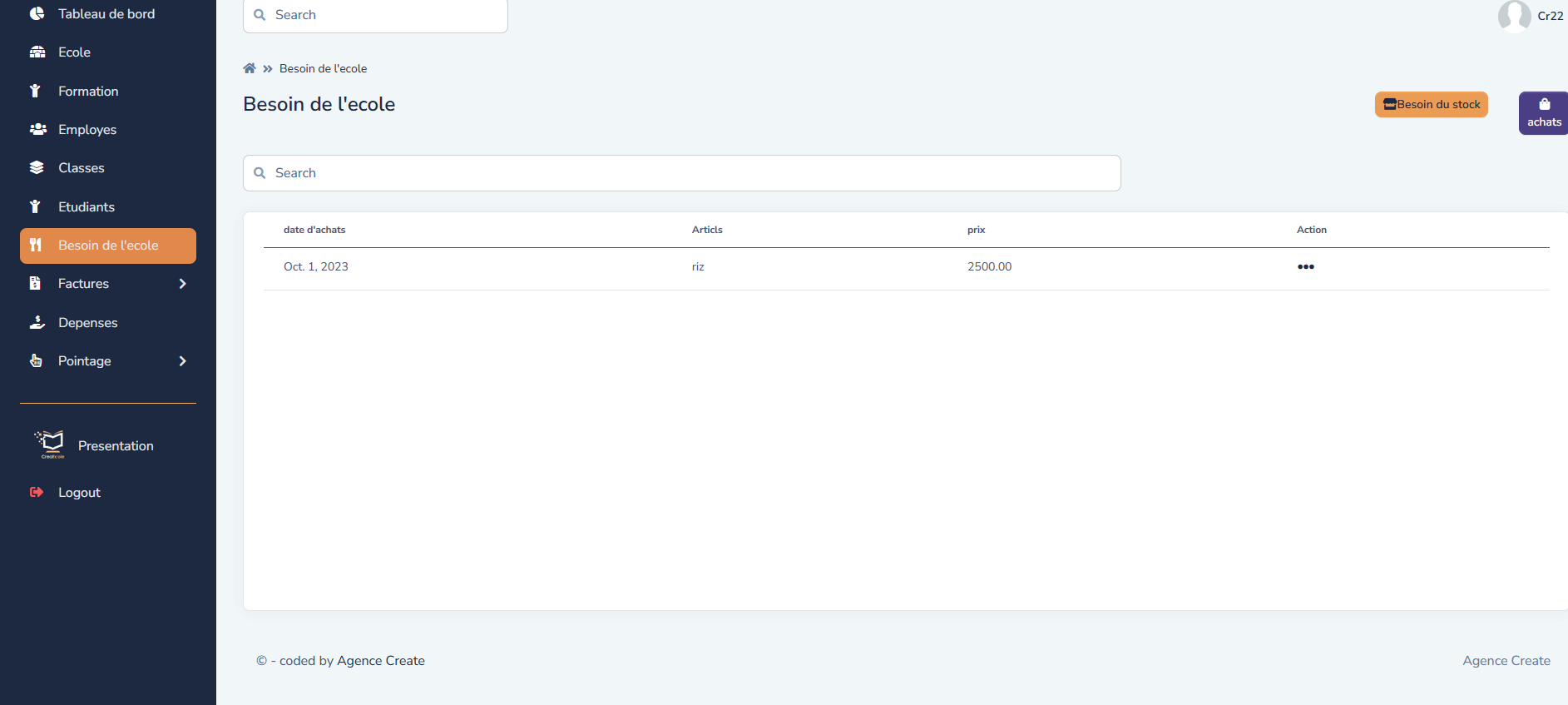
School requirements convertible into purchases, each purchase flowing through to expenses
-
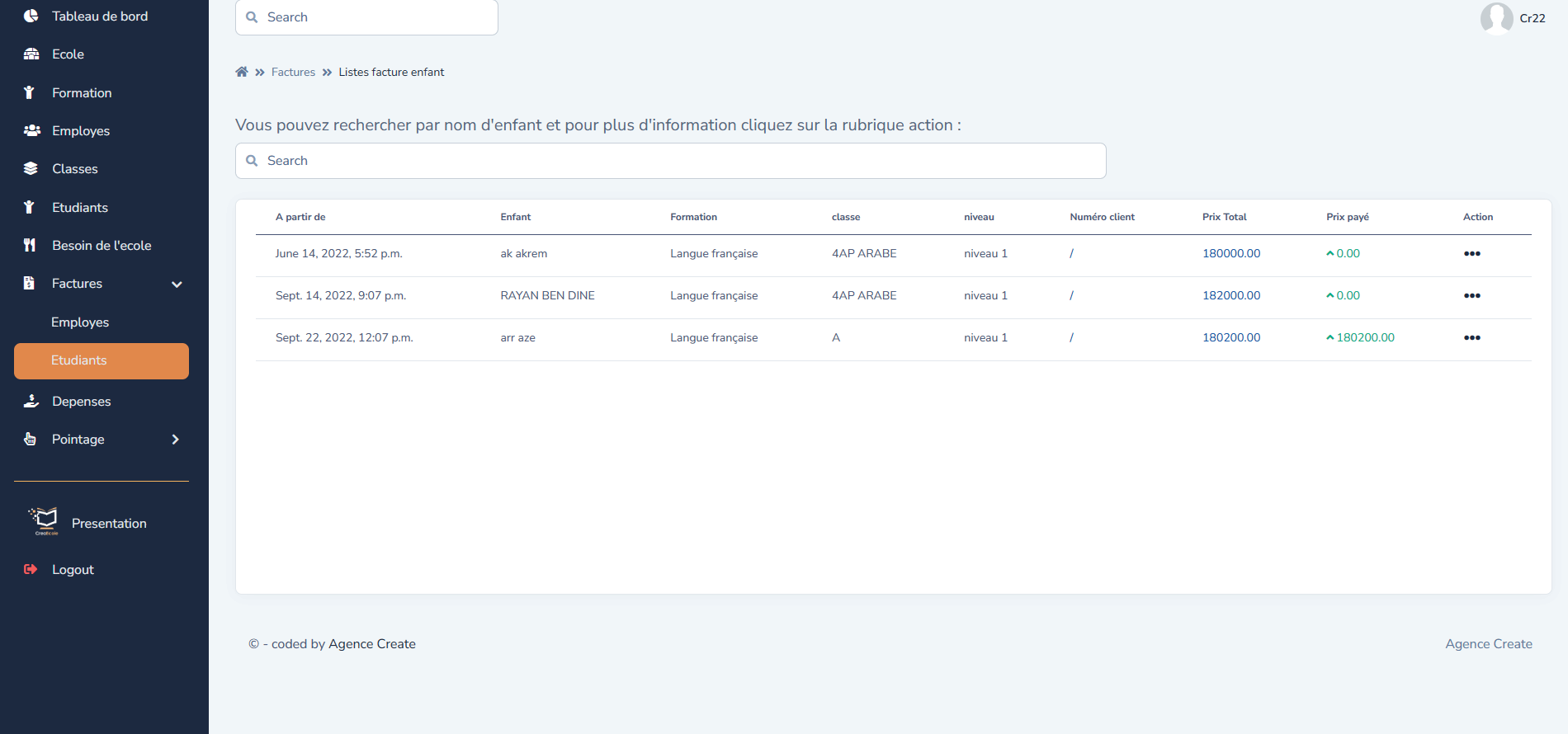
Staff invoices (salaries) and student invoices (tuition) with search and filters
Modules
- School
- Courses
- Staff
- Classes
- Students
- School requirements
- Invoices
- Expenses
- Attendance
Who it is for
Private schools, training centres, educational institutions
Screenshots

The brochure

Frequently asked questions
Who is CréaÉcole for?
For private schools, training centres and educational institutions.
What does the school record contain?
NIF, RC, phone, address and email — these details are carried over onto official documents and invoices.
How are classes managed?
Each class is attached to a course, with a level, a lead teacher and revenue per class over a period.
How does financial tracking work?
School requirements turn into purchases, and each purchase flows through to expenses. Staff invoices (salaries) and student invoices (tuition) with search and filters.
Can I filter by period?
Yes, every dashboard indicator is filterable by date range: students, income, expenses, requirements and attendance.